FloxAI is an AI-powered web application that analyzes medical lab reports, explains results in simple language, and allows users to interact with their data through an intelligent chatbot.
🔗 Live App: https://floxai.bytasker.com
📦 Repository: https://github.com/AhmadAlabrash/FloxAI

- 📄 Upload and analyze lab reports (PDF)
- 🤖 AI-powered interpretation using Gemini
- 💬 Chat with your lab report (follow-up questions)
- 🧠 Smart summaries for patients (non-technical explanations)
- 📝 Personal notes system (track your health journey)
- 🔐 Secure authentication (Google + Email)
- 📧 Gmail integration for sending reports (via Scalekit)
- 📊 Dashboard with report insights
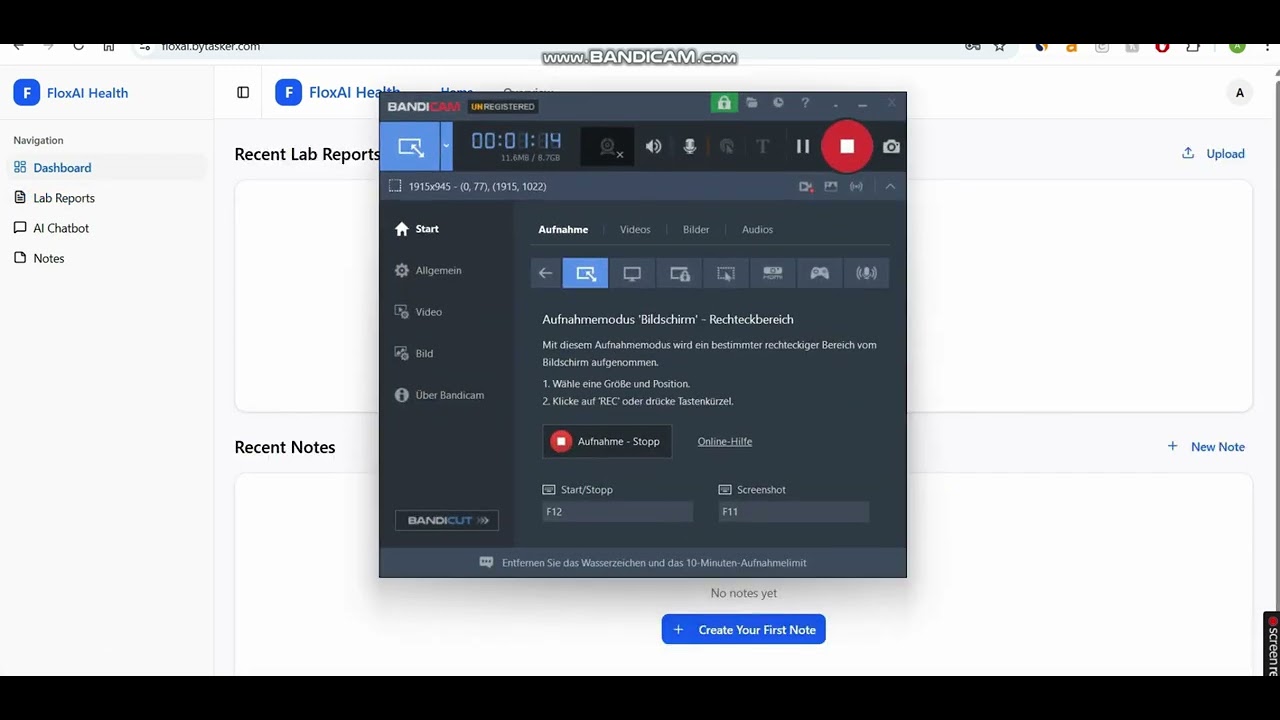
Watch how FloxAI analyzes lab reports using AI:

- Next.js – App Router, server actions, modern React architecture
- React – UI components
- Tailwind CSS – Styling and responsive design
- Supabase
- Authentication (Google + Email)
- PostgreSQL database
- Row Level Security (RLS)
- Storage for lab reports & notes
- Google Gemini API
- PDF parsing & understanding
- Medical report summarization
- AI chatbot for follow-up questions
- Context-aware responses
- Scalekit
- Gmail connection via OAuth
- Send analyzed lab reports to users via email
- Handles authentication flow and API complexity
- Vercel
- Hosting & CI/CD
- Automatic deployments from GitHub
- Environment variable management
- User uploads a lab report (PDF)
- The file is sent to the backend API
- The backend:
- Converts PDF → text
- Sends it to Gemini AI
- Gemini:
- Extracts key data
- Identifies abnormal values
- Generates a patient-friendly explanation
- Results are:
- Stored in Supabase
- Displayed on dashboard
- User can:
- Ask follow-up questions (AI Chat)
- Save notes
- Send report via email (Scalekit Gmail)
- Powered by Supabase Auth
- Supports:
- Email/password
- Google OAuth
- Session handling:
- Persistent sessions
- Secure token-based API access
FloxAI uses Scalekit to simplify Gmail integration:
- Handles OAuth flow securely
- Connects user Gmail account
- Enables sending AI-generated reports via email
Create a .env.local file:
NEXT_PUBLIC_SUPABASE_URL=
NEXT_PUBLIC_SUPABASE_ANON_KEY=
NEXT_PUBLIC_APP_URL=

GEMINI_API_KEY=

SCALEKIT_ENV_URL=
SCALEKIT_CLIENT_ID=
SCALEKIT_CLIENT_SECRET=
SCALEKIT_GMAIL_CONNECTOR_ID=gmailgit clone https://github.com/AhmadAlabrash/FloxAI.git
cd FloxAInpm installCreate .env.local and fill in required values.
npm run devhttp://localhost:3000
- 🔍 Better medical entity extraction
- 📊 Charts & visual insights
- 🧬 Support for more report formats
- 📱 Mobile app version
- 🧠 Fine-tuned medical AI model
- 🔐 End-to-end encryption for notes
FloxAI is not a medical diagnostic tool.
Always consult a qualified healthcare professional for medical advice.
- Inspired by real-world AI healthcare use cases
- Built with modern AI + fullstack tools
- Designed to help users better understand their health data