Workless helps organizations reduce repetitive work through modular business capabilities.
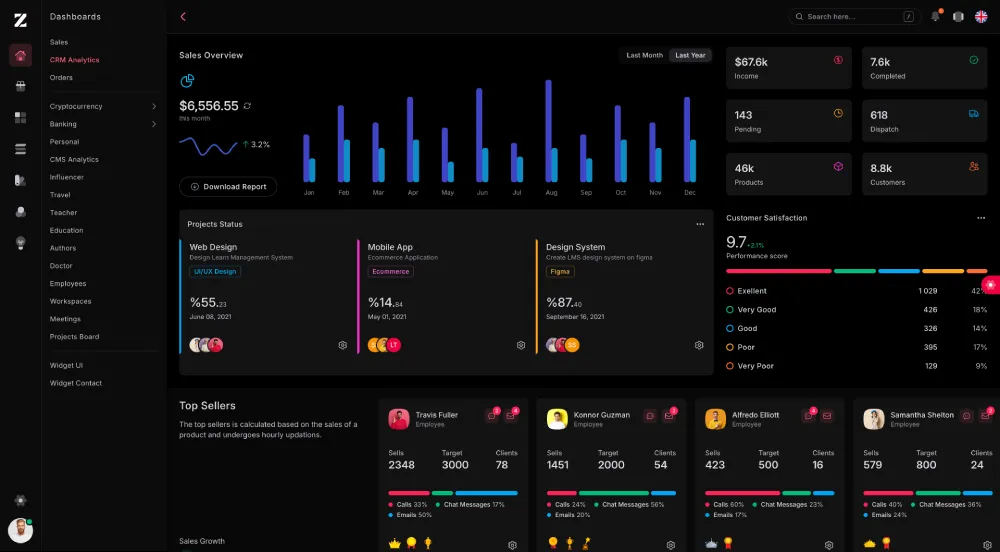
Workless runs as one NestJS application with:
- authentication and JWT-protected routes
- users, company memberships, roles, and permissions
- installable business modules
- PostgreSQL migrations and seeders
- tenant-aware repositories and cache keys
- optional Redis cache with an in-memory alternative
- server-rendered React TSX views
- English and Thai locale JSON
- Tailwind CSS v4 assets
- NestJS 11
- TypeScript
- TypeORM
- PostgreSQL
- Passport JWT
- Redis through ioredis
- React and react-dom/server
- Turbo
- Tailwind CSS 4
- Vite
The React code is rendered to static HTML on the server.
- Node.js 20 or newer recommended
- npm
- PostgreSQL
- Redis optional
Clone and install dependencies:
git clone https://github.com/zairosoft/workless.git
cd workless
npm install
Create the environment file:
cp .env.example .env
Generate a secure JWT secret:
openssl rand -hex 32
Place the generated value in JWT_SECRET.
Configure PostgreSQL, then prepare and start the application:
npm run db:migrate
npm run seed
npm run start:dev
The default HTTP port is 3000.
Application:
npm run start:dev
npm run build
npm run start
npm run dev
npm run dev builds the fallback stylesheet once, then starts Vite and Nest together. Open the application at http://localhost:3000. Vite runs at http://localhost:5173 and provides Tailwind CSS HMR. The static stylesheet remains loaded as a fallback, so pages stay styled if Vite is unavailable.
npm run build uses Vite to compile production CSS assets, then TypeScript compiles the Nest application into dist.
Database:
npm run db:migrate
npm run db:migrate:status
npm run db:migrate:revert
npm run seed
Modules:
npm run module:create -- <name>
npm run module:delete -- <name>
npm run module:list
npm run module:install -- <name>
npm run module:upgrade -- <name>
npm run module:uninstall -- <name>
npm run module:migrate -- <name>
npm run module:migrate -- --all
npm run module:migrate:status -- <name>
npm run module:migrate:revert -- <name>
npm run module:seed -- <name>
npm run module:seed -- --all
npm test is currently a placeholder and does not run an automated test suite.
Most routes use the api/v1 prefix.
Public HTML routes excluded from the prefix:
- GET /
- GET /auth/login
- GET /auth/register
- GET /language/:locale
Examples:
- POST /api/v1/auth/login
- POST /api/v1/auth/register
- GET /api/v1/modules
- POST /api/v1/modules/:name/install
- POST /api/v1/modules/:name/upgrade
Routes require JWT authentication unless marked public. Permission and module-enabled guards apply after authentication where configured.
Tenant-aware requests use:
X-Tenant-Id: <tenant-uuid>
src/
  app.module.ts
  main.ts
  app/
    controllers/
    dto/
    entities/
    helpers/
    interfaces/
    locales/
      en/
      th/
    middleware/
    providers/
    services/
    views/
      components/
      auth/
      errors/
      home/
      permissions/
      roles/
      users/
  config/
    env.config.ts
    jwt.config.ts
    typeorm.config.ts
  database/
    migrations/
    seeders/
    migration.service.ts
    migration.runner.ts
    seeder.runner.ts
  workless/
    events/
    http/
    infrastructure/
      cache/
    jwt/
    lifecycle/
    module/
    registry/
    tenant/
    i18n.ts
    workless.module.ts
  modules/
    modules.ts
    <module>/
Main responsibilities:
- src/app contains authentication, users, permissions, application locales, and shared views.
- src/workless contains the module runtime, lifecycle, registry, tenant context, hooks, events, JWT guards, HTTP helpers, and cache implementation.
- src/database contains application migrations and seeders.
- src/modules contains installable business modules.
- src/config contains environment, JWT, and TypeORM configuration.
Application migrations live in:
src/database/migrations/
They are registered in:
src/database/migrations/migrations.ts
Migration execution:
- orders migrations by timestamp
- records applied migration names and checksums
- prevents concurrent execution with PostgreSQL advisory locks
- uses a transaction by default
- refuses to continue if an applied migration checksum changes
Do not edit an applied migration. Add a new migration for the next schema change.
Inspect status before applying or reverting changes:
npm run db:migrate:status
Apply pending migrations:
npm run db:migrate
Revert the latest application migration:
npm run db:migrate:revert
Module migrations belong to their owning module:
src/modules/<module>/migrations/
Installing or upgrading a module applies its pending migrations before lifecycle completion.
Run migrations without changing the installed version:
npm run module:migrate -- accounting
npm run module:migrate -- --all
Inspect or revert one module:
npm run module:migrate:status -- accounting
npm run module:migrate:revert -- accounting
Uninstalling a module does not automatically delete its tables or business data.
Every migration requires:
- a unique name within its scope
- an integer timestamp
- a checksum version string
- an up method
- an optional down method
Register module migrations in the migrations array of the SystemModule metadata.
Seed application data and every registered module:
npm run seed
Seed one module or all modules:
npm run module:seed -- accounting
npm run module:seed -- --all
Module seeders must be idempotent. Seeder names must be unique within a module, and ordering uses order followed by name.
The lifecycle API also exposes:
POST /api/v1/modules/:name/seed
Seeding applies pending migrations but does not install, enable, disable, or change the version of a module.
Please review SECURITY.md.
- Email: info@zairosoft.com
- LinkedIn: linkedin.com/in/zairosoft
- Website: zairosoft.com
- Sponsors: github.com/sponsors/zairosoft
See LICENSE.