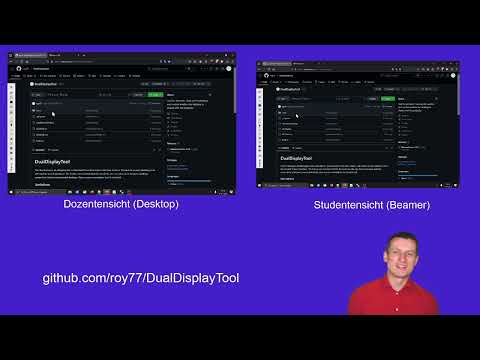
Tool for lecturers. DualDisplayTool is intended for environments with two screens. The lecture screen (desktop) and the student screen (beamer). The lecture can control what the students see. He can choice between desktop, screenshot, black and extended desktop. Also a screen annotation tool is included.
- Desktop switching is based on win32api calls therefore work only in windows
- Tested on Windows 10/11
- Not all controls are scaled by windows resolution, maybe the layout is incorrect at other resolutions.
Video with explanations of the functions (only in German).
 |
|
| Close Application | |
| Clone: projector show desktop | |
| Screenshot: projector show screenshot of desktop. | |
| Black: projector shows black screen. | |
| Disable: projector shows extended desktop. | |
| Toggle suppress sleep mode: Starts active so beamer is allways on | |
| Paint on screen | |
| Use thicker pen | |
| Use thinner pen | |
| Change color | |
| Delete a painted polygon | |
| Delete all painted | |
| Undo painting | |
| Redo painting | |
| Take screenshot and place it in clipboard | |