LClip script helps you search clipboard data on your Ubuntu GNOME favourite browser.
- Open Source
- Makes search easier.
- Browser Google or Firefox or Chromium
- Search on google.com or duckduckgo.com
- Python3 required
- Install lclip
pip3 install lclip
- lclip setup
lclip -s
-
Not Implemented Error:
"Pyperclip could not find a copy/paste mechanism for your system"
sudo apt-get install xsel
to install the xsel utility.
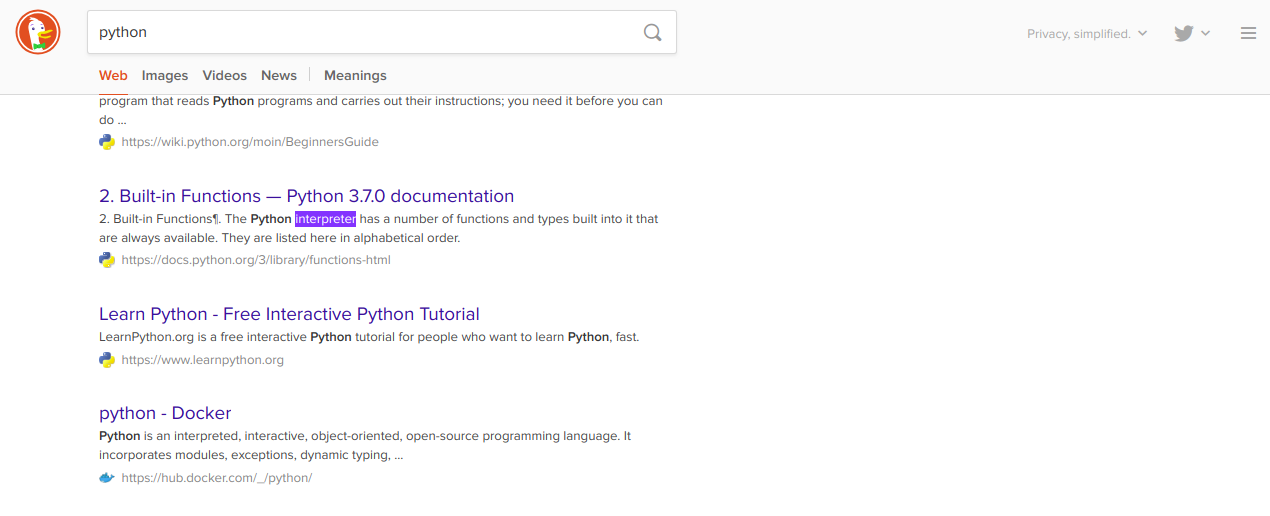
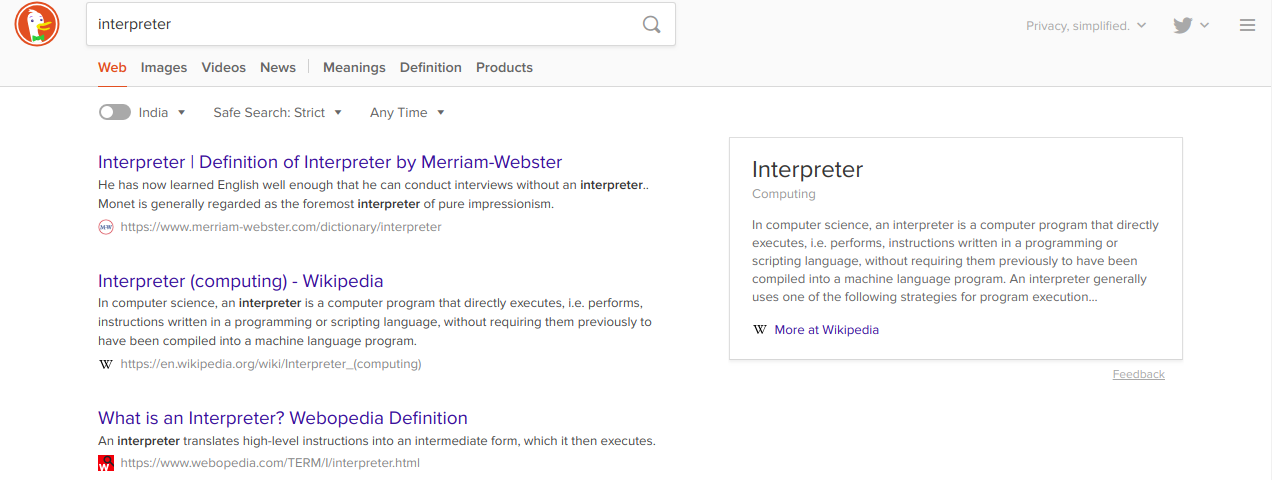
When using keyboard shortcut to run the script, it is lot easier to search any keyword or url that you read on book, website etc.
Example: Copy any keyword or url.
Ctrl + c
Run script with keyboard shortcut and search on browser's new tab.
Ctrl + Shift + x
- Remove set_up_keyboard_shortcut from lclip file
- Install python packages
pip3 install validators pyperclip- Run script
python3 lclip- Create keyboard shortcut manually with command
python3 ~/.lclip/xbrowser.pyOpen to any suggestions and help provided.