When clicking the Power Manager (battery) icon in the system tray, the popup content is wider than the screen, making it impossible to see all options.
Screenshot:
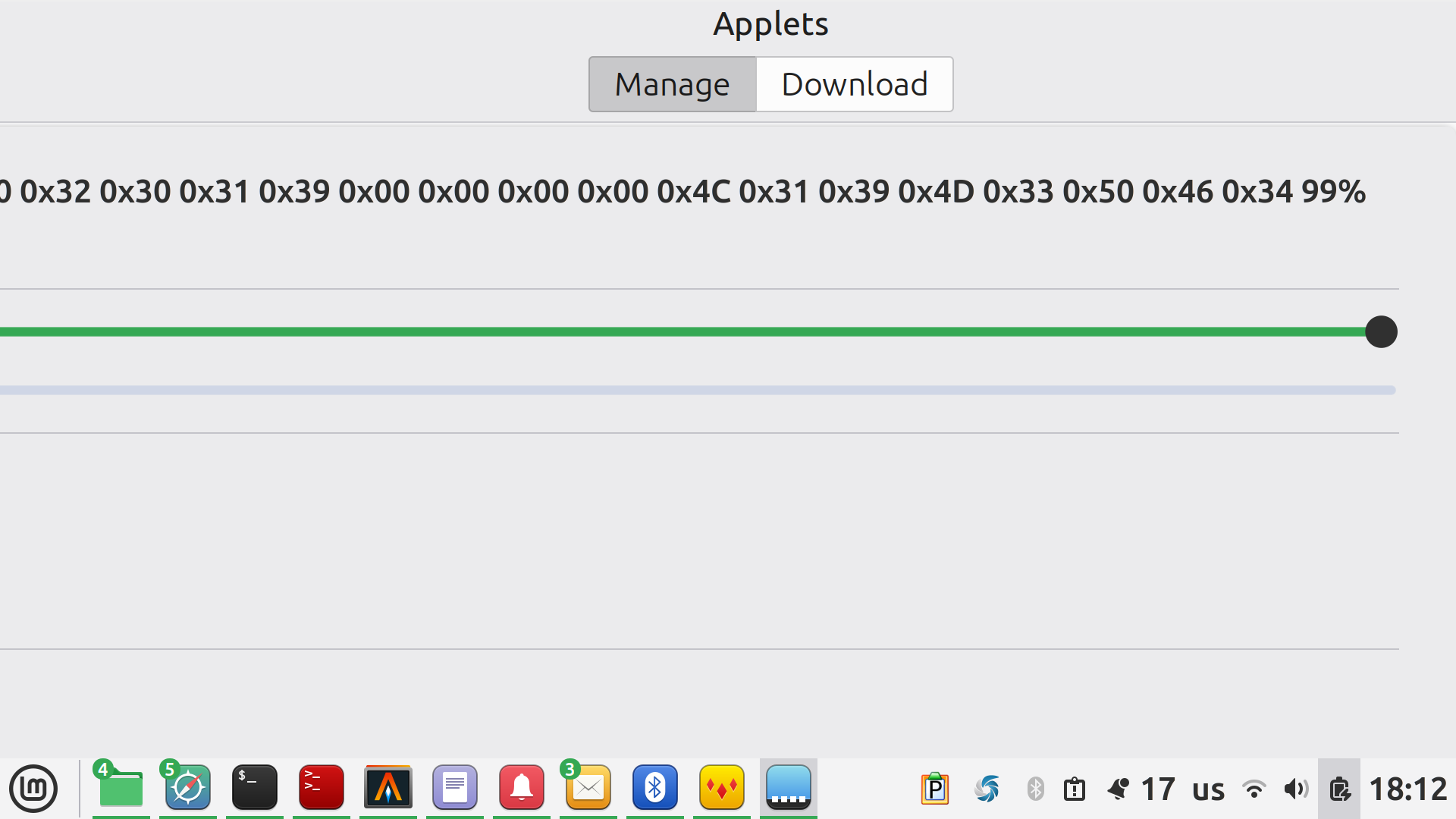
Steps to reproduce:
- Click the battery/power icon in the system tray
- The popup extends beyond the visible screen area (width issue)
This may be related to text scaling or DPI settings. The popup should either have a maximum width, or adapt to screen size.
When clicking the Power Manager (battery) icon in the system tray, the popup content is wider than the screen, making it impossible to see all options.
Screenshot:

Steps to reproduce:
This may be related to text scaling or DPI settings. The popup should either have a maximum width, or adapt to screen size.