What is a Git?
Git is a free and open source distributed version control system
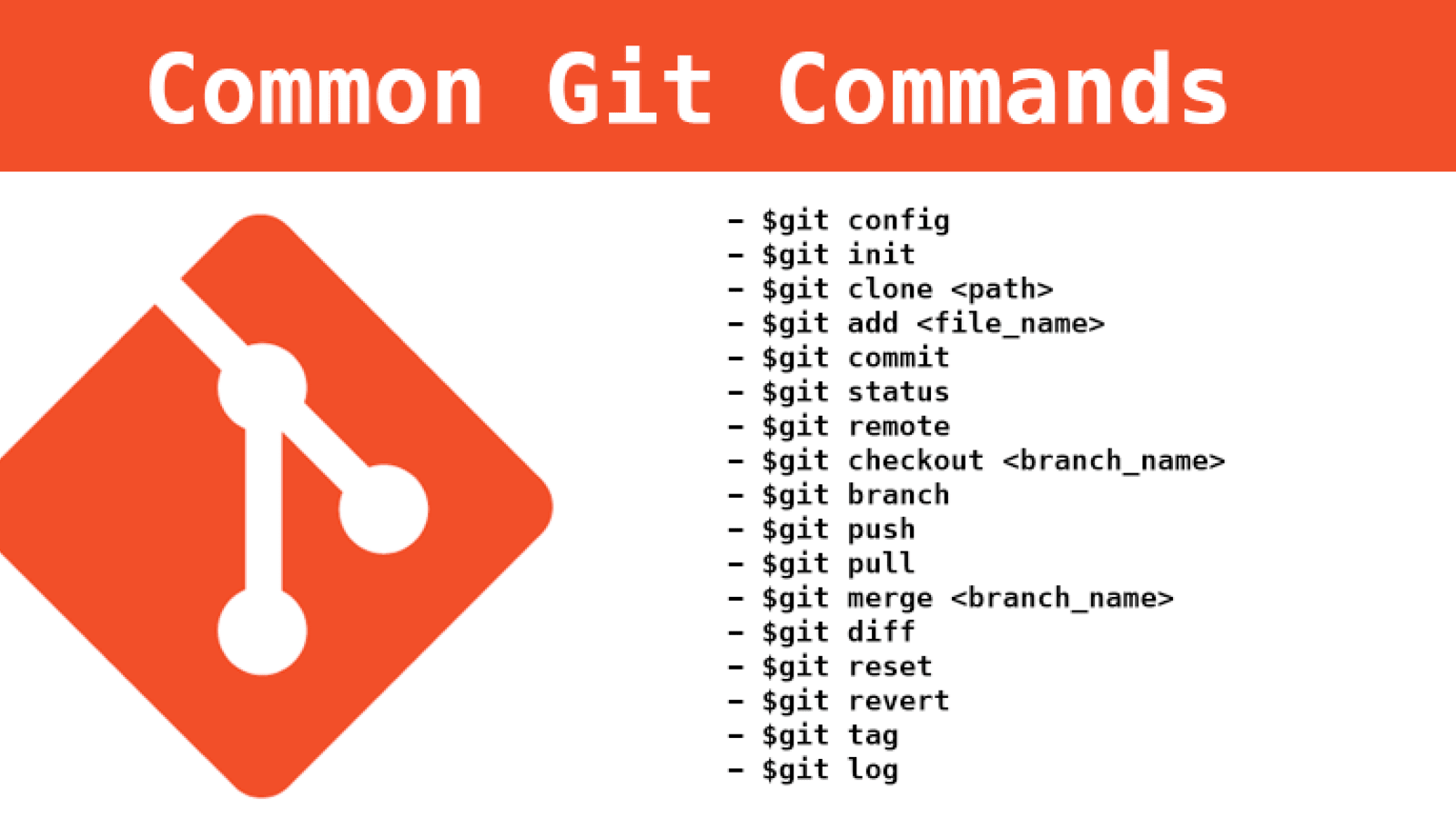
Set the name John Doe and email john_d_email@mail.com that will be attached to commits and tags.
git config --global user.name "John Doe"
git config --global user.email "john_d_email@mail.com"
Create a local repo in directory. If omit directory current directory will be initialised as repo.
git init <directory>
Add file content to the index.
Add all files in directory if used the dot .
git add <file>
git add .
Commit all added files to index with comment.
git commit -m <comment>
Show working tree status — differences between the index file and the current HEAD commit.
git status
Show the commit logs.
git log
git branch [options]
Create, list or delete branches. WIth branch_name create this branch. Full optoins list is here.
Create branch branch_name
git branch <branch_name>
Alternate ways:
Fast creation and checkout
git checkout -b <newbranchname>
New (from Git 2.23)
Now, from Git version 2.23, we have a new command for branch changing and creating.
Changing branch to some_branch:
git switch <some_branch>
Creating and changing to new_branch:
git switch -c <new_branch>
Switch to a branch branch_name and update the working directory
git checkout <branch_name>
Or create a new branch branch_name and switch to it.
git checkout -b <branch_name>
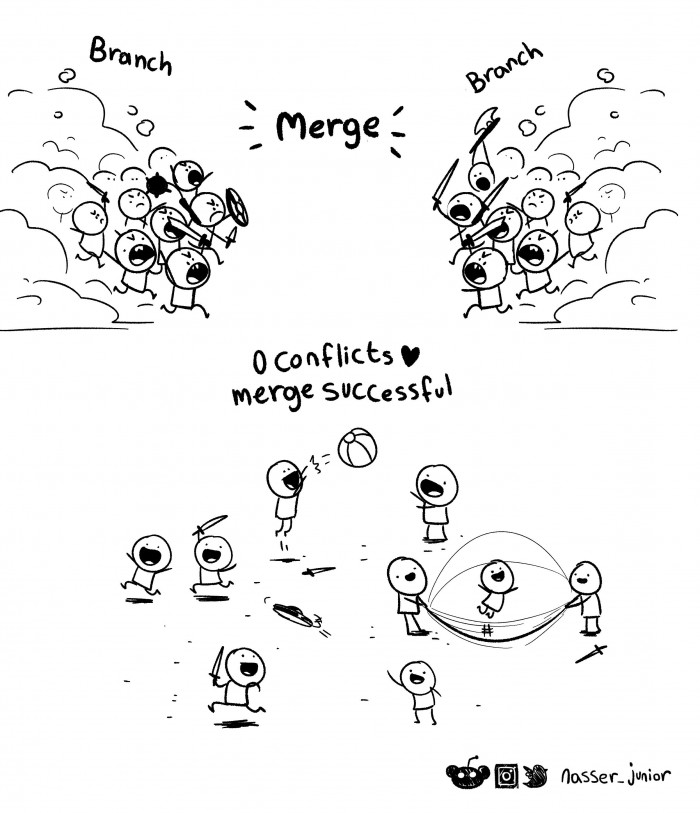
You or somebody else made work on some part of project and now it's need to add this part in our project. For this you have to use something like this (merge added_branch to current:
git merge <added_branch>
Sometimes merging has problems.