Please offer a way to hide the menu bar icon #497

Replies: 6 comments 6 replies

|
I think it will be fairly straightforward. I'll try to get it in tomorrow's build. How's the new laptop treating you? |

|
It’s incredible! I’m jumping all the way from the 2016 13 inch (butterfly keyboard, Touch Bar, no ports and all the other complaints) so everything about it is crazy better. |
|
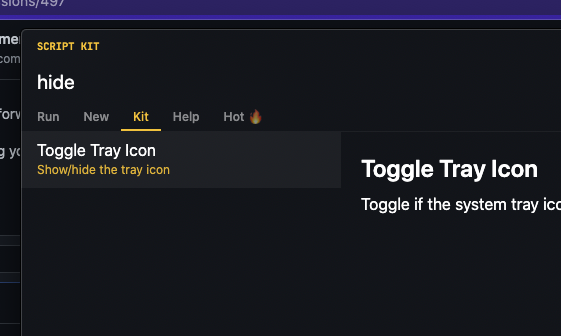
Got this in today's build:
|

|
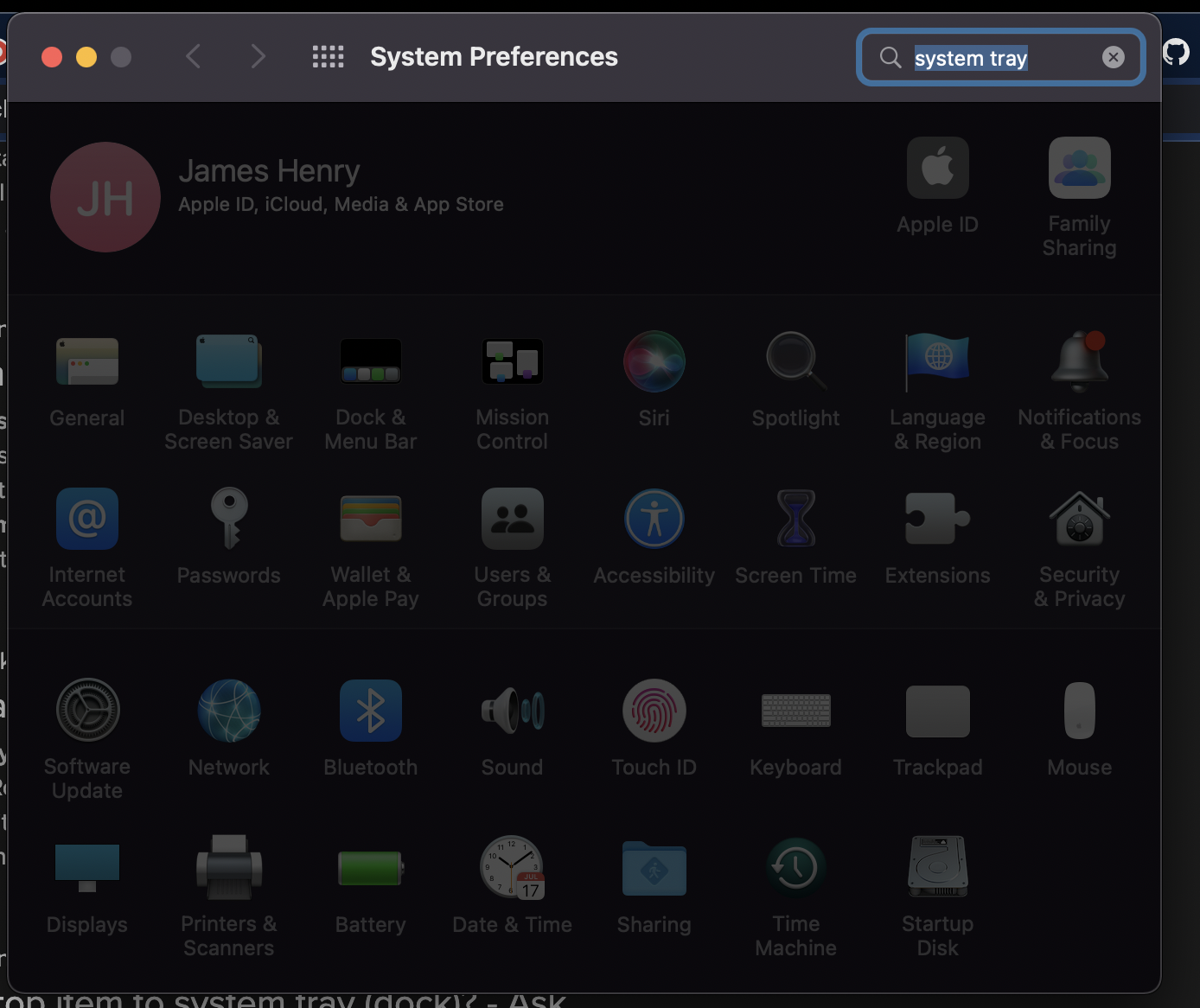
May I suggest actually changing this to Menu Bar? Apple itself does not appear to use "system tray" and this impacts discoverability I think. Apple consistently refers to it as Menu Bar, and searching for system tray in settings yields no results (but you can see Dock and Menu Bar in the screenshot below):
|
|
Actually sorry @johnlindquist, it doesn't seem to persist the preference across quitting the app and restarting, please could we add that in too? (Plus my suggested rename above) 🙏 |

|
Makes sense. I just used "tray" because that's what it's called in the API. I just realized I stored the preference, but forgot to read it when the app launched 🤦♂️ I'll get that fixed |
|
Haha classic Apple - definitely makes sense why you picked that then. Is it possible to make it so that searching for either term shows the result within the Kit UI? Then my point around discoverability is resolved regardless of whether the name officially changes And cool, glad it's not too tricky to enable to preference restoration |
|
Ok, this should all be sorted out in the latest update |
|
Awesome, thanks for continuing to iterate on this, it works great! 🙏 |

|
Hi @johnlindquist, wondering if this is still possible with current version? No luck searching either term in the prompt. |
|
In ~/.kenv/.env set: KIT_TRAY=false |


Uh oh!
There was an error while loading. Please reload this page.
Hey @johnlindquist,
I'm fortunate to be one of the lucky folks setting up their new 2021 MacBook Pro, and have a related feature request.
Now that this model has the notch with the menu bar wrapping around it, menu bar real estate is at an all-time premium. I, like I'm sure many do, exclusively use the keyboard shortcut to trigger the Kit prompt, so the current menu bar icon offers no value to me and I would love to be able to free up that precious space for other things.
Further data point: from what I can see Script Kit is currently the only app I have installed that does not offer a way to hide its menu bar icon, so hopefully it's relatively straightforward to support in a similar way.
Kind regards,
James
All reactions