- create a virtualenv and
pip install -r requirements3.6.txtinto it - create a new custom webapp on PythonAnywhere
- configure your webapp to use your virtualenv on the PythonAnywhere webapp dashboard
- setup your wsgi.py file as in the example in the repo, and make sure it can find and import the
dashing_demo_app - reload your webapp and go to your webapp url!
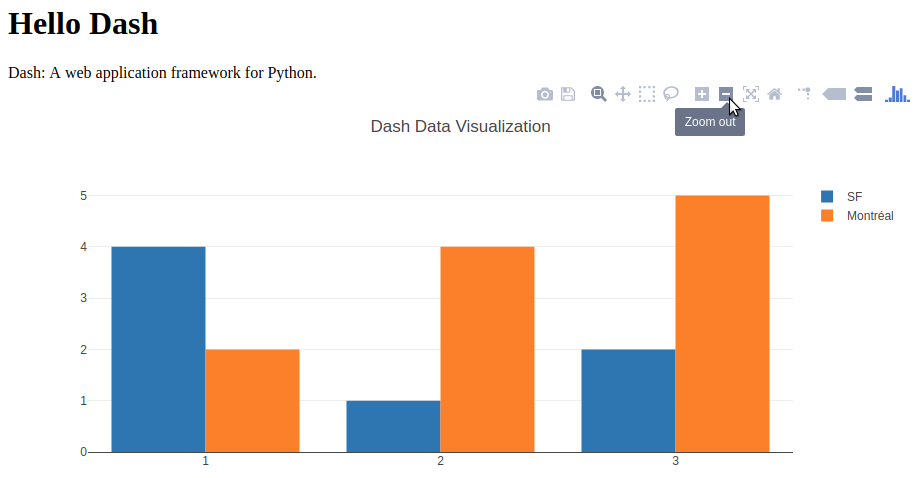
This is what it should look like: