最小复现版本:https://codesandbox.io/s/card-plugin-forked-mzv6bx?file=/src/App.tsx 复现步骤: 1、点击「插入卡片」,插入 3 个卡片 <img width="639" alt="截屏2023-03-17 16 46 52" src="https://user-images.githubusercontent.com/29225966/225856343-c14c9351-d2ed-4806-8357-724cee82510c.png"> 2、输入 backspace,删除 2 个卡片 <img width="671" alt="截屏2023-03-17 16 47 14" src="https://user-images.githubusercontent.com/29225966/225856426-8397ab84-db9b-4095-b4a1-61de3920033b.png"> 3、点击「撤销」,撤销 2 次,即可复现 <img width="511" alt="截屏2023-03-17 16 47 26" src="https://user-images.githubusercontent.com/29225966/225856463-bcb11c41-de1c-40e0-9d08-97d7c132654b.png">

最小复现版本:https://codesandbox.io/s/card-plugin-forked-mzv6bx?file=/src/App.tsx
复现步骤:

1、点击「插入卡片」,插入 3 个卡片
2、输入 backspace,删除 2 个卡片
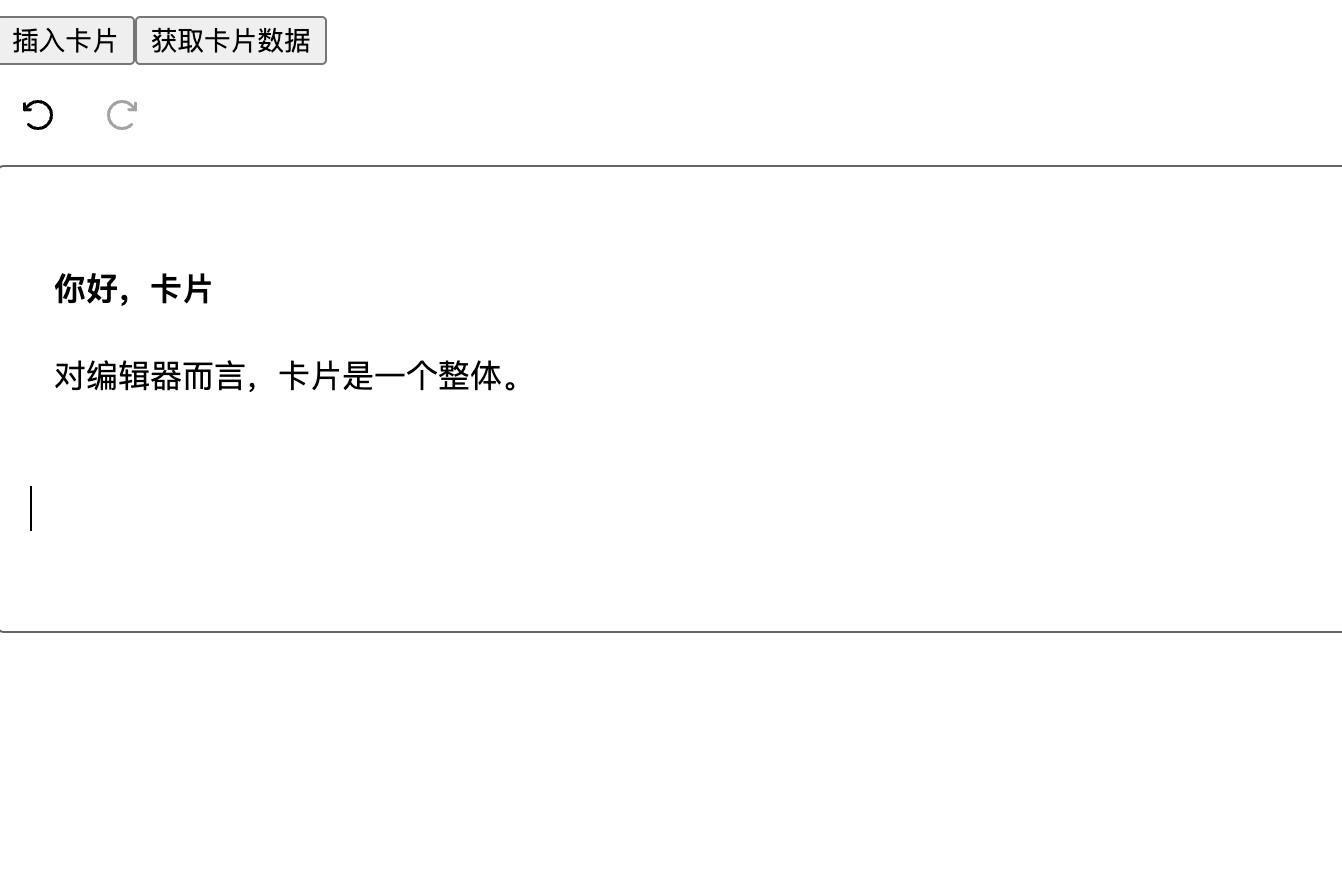
3、点击「撤销」,撤销 2 次,即可复现
