
Replies: 4 comments 5 replies

|
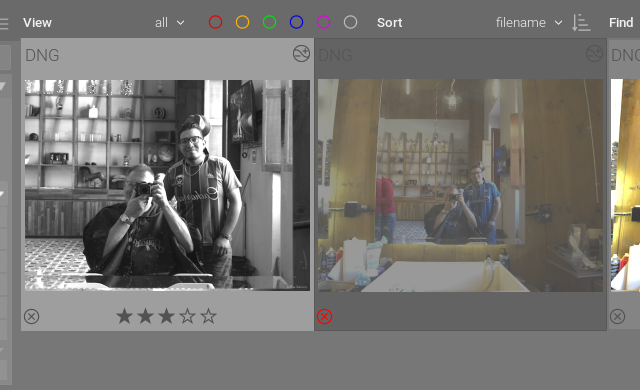
I believe many of those features are there. Star ratings can be added to selected images using numbers 1-5, R for reject. Fn and function key to assign a color label. H key shows shortcuts. Are you very new to this software? The darktable manual might be helpful to you to read. Apologies if I misunderstood what you are looking for. |


|
I am aware that these features exist and are well documented. The purpose is of this post is to explore minor improvements (papercuts) to make the software more accessible for new users. For instance, if we could enable lighttable overlays by default, it could make things much simpler. Unless I am mistaken, the default overlay setting is none. |
|
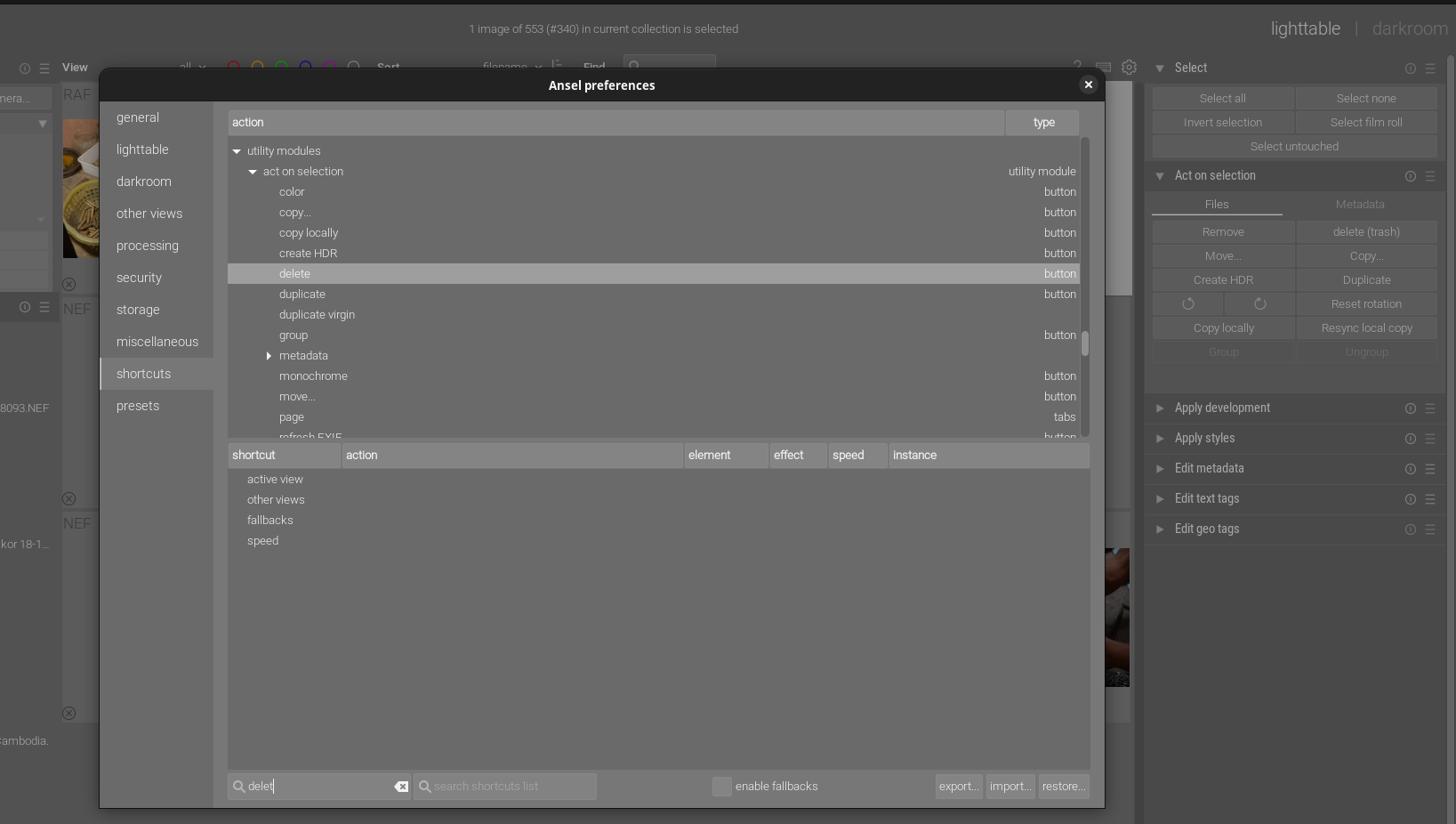
Perhaps providing examples would help the discussion. In this test case, I am trying to remove discard an image from the disk. You can select an image and press Users could open preferences and try to set a custom shortcut. However there is no 'delete (trash)
|

|
The |

|
How did you manage to custom shortcut to |

|
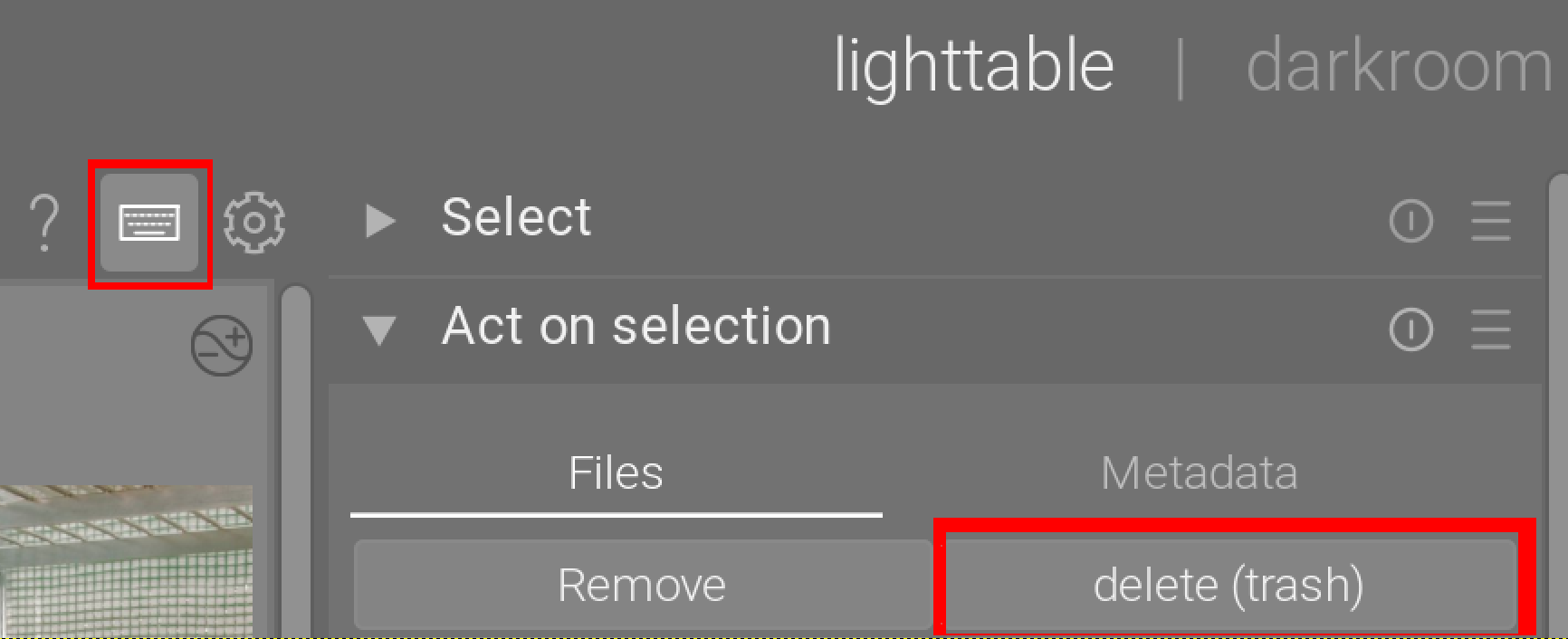
I'm afraid I don't understand. You are showing the right item in the screenshot above? There are Sometimes I use that "magic keyboard shortcut tool" if I can't be bothered scrolling through the millions of options. In the case of |
|
Sweet! I didn't know this |
|
It's officially called visual shortcut mapping . I have linked to the darktable manual, because the Ansel manual doesn't show the icons atm. |
|
Thanks! |


Uh oh!
There was an error while loading. Please reload this page.
Uh oh!
There was an error while loading. Please reload this page.
I tend spend considerable amount of time with lighttable culling. Usually the processing is much more time intensive than post-processing.
So I think it would be valuable if we could make small paper cut improvements to the process.
Few things that come to my mind are improving are: showing panel overlays (RAW, Reject, Star rating, color icons) by default in lighttable, adding shortcuts for reject, star rating, colors, delete (from disk).
Any thoughts ?
All reactions