This is because we want to support:
- on the frontend:
- on the backend:
The Moodle XML format docs are here: https://docs.moodle.org/400/en/Moodle_XML_format
Some notes:
-
"Format" selects the Formatting options for the question text. The options are html (the default), moodle_auto_format, plain_text and markdown. The choice effects the way in which the text will be displayed.
So we need to support html, moodle_auto_format (what is it specifically?), plain_text and markdown.
-
The <image> tag contains the url of any included image. Nested within the <image> tag may be an <image_base64> tag which contains the actual image data encoded in base64 [1]
If you export questions from a Moodle 1.9 server, the exported file might contain only the relative URL to the image hosted in the 1.9 server, while exported questions from Moodle 2.x and 3.x servers might contain the actual image encoded in base 64. This explains why some question bank import-export operations include all the images and some others don't.
So this means that when we have included images, we include them as base64 inside our text as the frontend already supports this, but if we only have a relative URL without the base server URL we will be unable to import the image.
- Depending on the type of the question, some specific tags are expected:
- for
multichoice > In addition, an MC question has the following tags: single (values: true/false), shuffleanswers (values: 1/0), correctfeedback, partiallycorrectfeedback, incorrectfeedback, answernumbering (allowed values: 'none', 'abc', 'ABCD' or '123' -- The <single> tag is used to distinguish single response (radio button) and multiple response (checkbox) variants.)
- for
truefalse > Two answer tags are given, one which is true, and one which is false. The fraction attribute of the answer tag identifies which option is correct (100) and which is false (0). Feedback is supported.
- for
shortanswer > The short answer question type supports alternative correct responses, each with its own weighting and feedback. The Moodle XML format uses one tag for each of the alternative correct answers. The <usecase> tag toggles case-sensitivity with the values 1/0.
- for
matching > Pair matching responses use the <shuffleanswers> tag to determine whether the order of the items should be randomized. Each pair is contained inside a <subquestion> tag. The first item of each pair is contained with a <text> tag, while the second has an <answer> tag around it as well. Feedback and score weighting is not supported by Moodle for this response type.
- for
numerical > Moodle also supports a <tolerance> tag (how accurate must the number be?) and one or more <unit> tags. Unit tags have names and multipliers. E.g. if the main answer is in kilometres, an additional answer could be the equivalent in metres with a multiplier of 1000. Note: prior to 1.7.2 the fraction was expressed as a value between 0 and 1 in a <fraction> element and the answer value was not enclosed in <text> tags. This format of the numerical question type is deprecated but will still be correctly imported if found (for now).
- for
essay > There isn't an answer and there isn't a grade in this case. Note: prior to 1.7.2 the fraction was expressed as a value between 0 and 1 in a <fraction> element and the answer value was not enclosed in <text> tags. This format of the essay question type is deprecated but will still be correctly imported if found (for now).
- for
cloze > It is supported, and depends on a special format for the <questiontext> tag.
- for
description > This response type has no further tags other than those contained in the question header (such as <questiontext>).
- for
random_matching(?) > Moodle has a question type which consists of taking short answer questions in the same quiz and displaying them as a pair matching exercise. However Moodle is neither able to export nor import this question type.
When new questions are uploaded, they should be converted from MoodleXML to our custom format.
When a new question or answer or reply is entered directly from the text editor, it should already be in our custom format from the frontend and it should be stored unchanged.
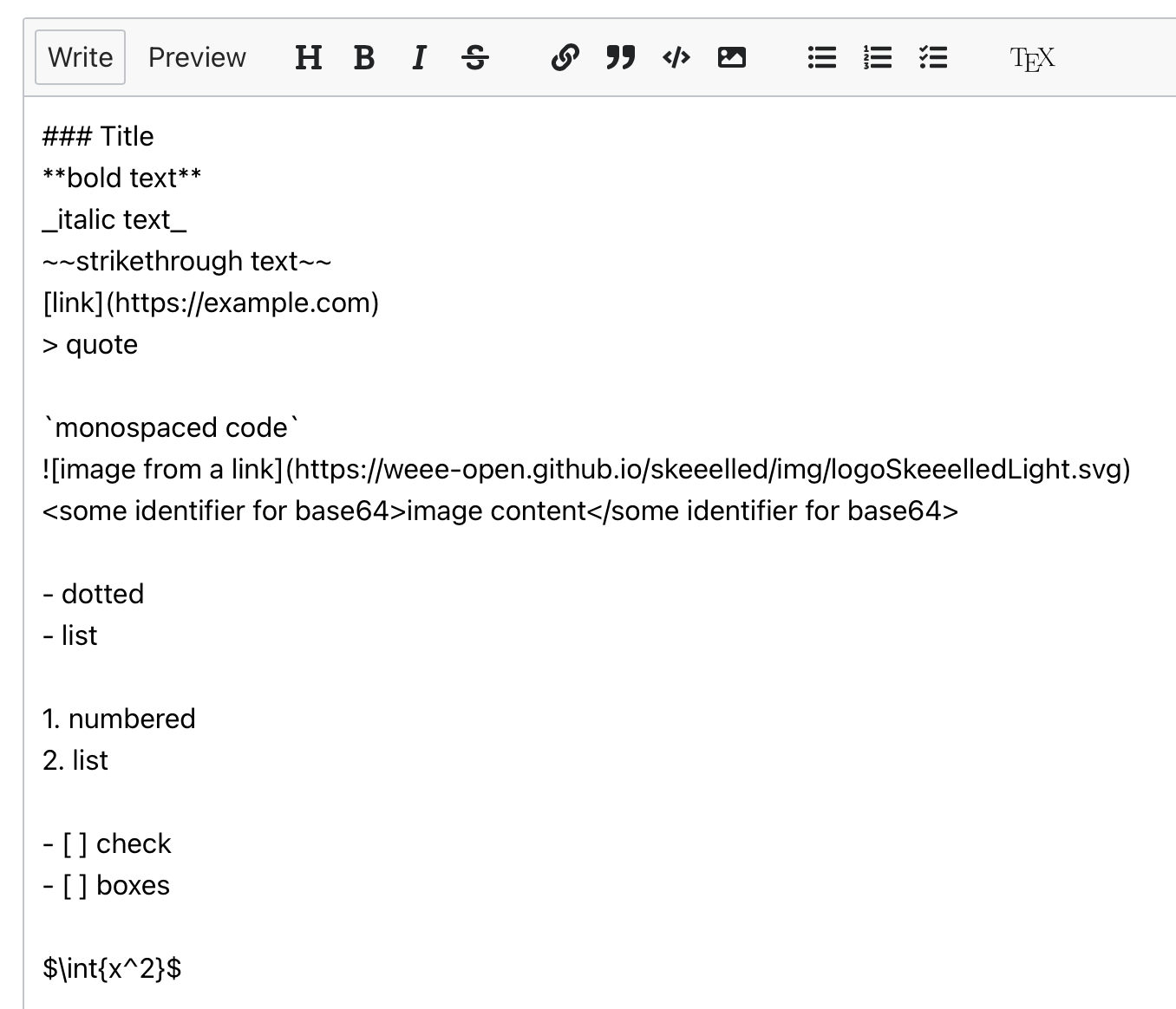
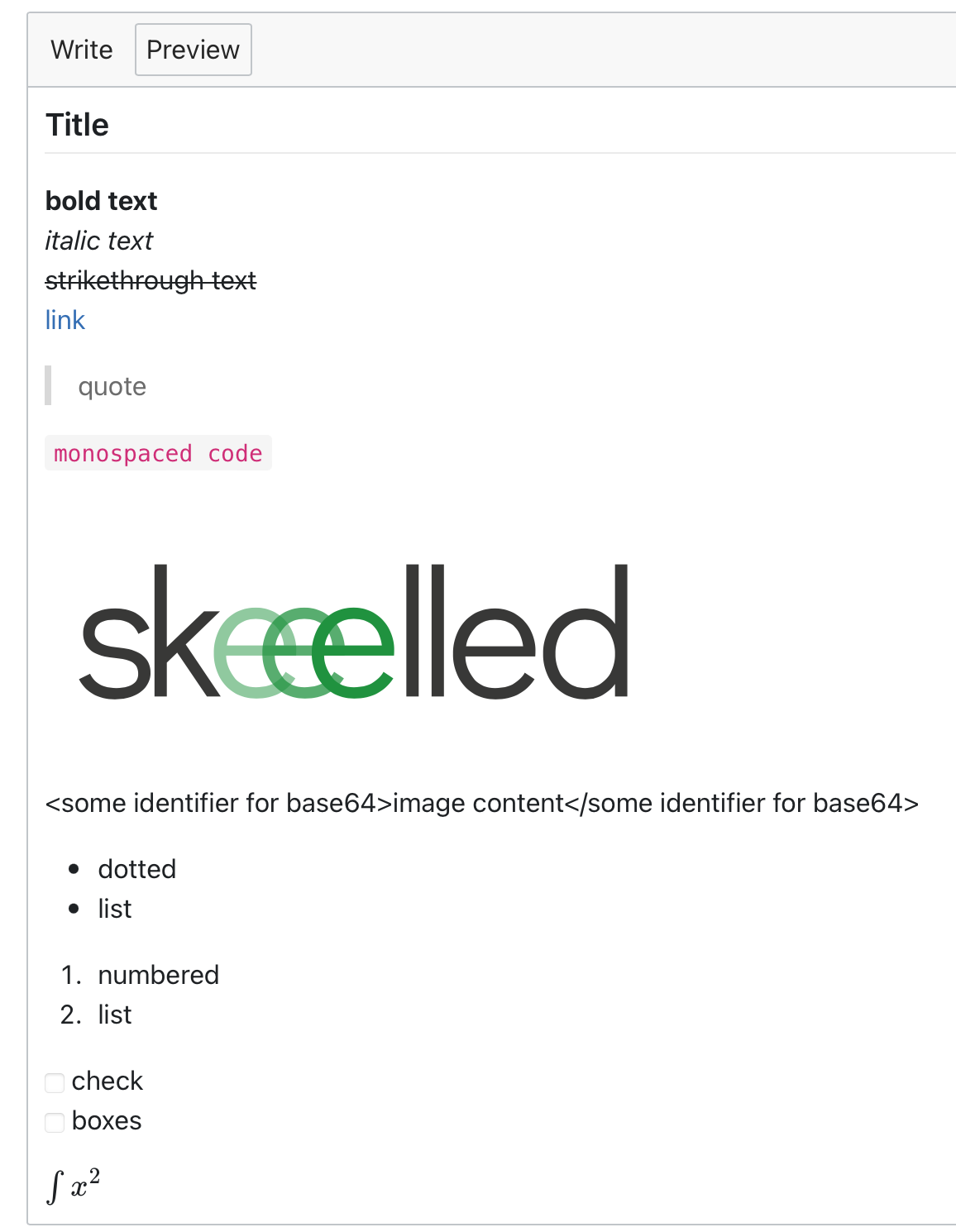
Example text:
### Title
**bold text**
_italic text_
~~strikethrough text~~
[link](https://example.com)
> quote
`monospaced code`

<some identifier for base64>image content</some identifier for base64>
- dotted
- list
1. numbered
2. list
- [ ] check
- [ ] boxes
$\int{x^2}$


This is because we want to support:
The Moodle XML format docs are here: https://docs.moodle.org/400/en/Moodle_XML_format
Some notes:
So we need to support html, moodle_auto_format (what is it specifically?), plain_text and markdown.
So this means that when we have included images, we include them as base64 inside our text as the frontend already supports this, but if we only have a relative URL without the base server URL we will be unable to import the image.
multichoice> In addition, an MC question has the following tags: single (values: true/false), shuffleanswers (values: 1/0), correctfeedback, partiallycorrectfeedback, incorrectfeedback, answernumbering (allowed values: 'none', 'abc', 'ABCD' or '123' -- The<single>tag is used to distinguish single response (radio button) and multiple response (checkbox) variants.)truefalse> Two answer tags are given, one which is true, and one which is false. The fraction attribute of the answer tag identifies which option is correct (100) and which is false (0). Feedback is supported.shortanswer> The short answer question type supports alternative correct responses, each with its own weighting and feedback. The Moodle XML format uses one tag for each of the alternative correct answers. The<usecase>tag toggles case-sensitivity with the values 1/0.matching> Pair matching responses use the<shuffleanswers>tag to determine whether the order of the items should be randomized. Each pair is contained inside a<subquestion>tag. The first item of each pair is contained with a<text>tag, while the second has an<answer>tag around it as well. Feedback and score weighting is not supported by Moodle for this response type.numerical> Moodle also supports a<tolerance>tag (how accurate must the number be?) and one or more<unit>tags. Unit tags have names and multipliers. E.g. if the main answer is in kilometres, an additional answer could be the equivalent in metres with a multiplier of 1000. Note: prior to 1.7.2 the fraction was expressed as a value between 0 and 1 in a<fraction>element and the answer value was not enclosed in<text>tags. This format of the numerical question type is deprecated but will still be correctly imported if found (for now).essay> There isn't an answer and there isn't a grade in this case. Note: prior to 1.7.2 the fraction was expressed as a value between 0 and 1 in a<fraction>element and the answer value was not enclosed in<text>tags. This format of the essay question type is deprecated but will still be correctly imported if found (for now).cloze> It is supported, and depends on a special format for the<questiontext>tag.description> This response type has no further tags other than those contained in the question header (such as<questiontext>).random_matching(?) > Moodle has a question type which consists of taking short answer questions in the same quiz and displaying them as a pair matching exercise. However Moodle is neither able to export nor import this question type.When new questions are uploaded, they should be converted from MoodleXML to our custom format.
When a new question or answer or reply is entered directly from the text editor, it should already be in our custom format from the frontend and it should be stored unchanged.
Example text: