This editor makes it possible to select a point on an image by clicking on the image.
Main purpose is to be able to set a focal point for an image, and use that focal point when the image is resized.
The ImagePointEditor can be used together with the
Picture helper for CMS 11,
and PictureRenderer for CMS12, to
automatically use a focal point when image is resized.
Add a string property to your ImageData model. Decorate the property with the ImagePoint UI hint.
[UIHint(ImagePoint.UIHint)]
[Display(Name = "Focal point")]
public virtual string ImageFocalPoint { get; set; }
Now it's possible to place a point when editing an image in "All properties view":
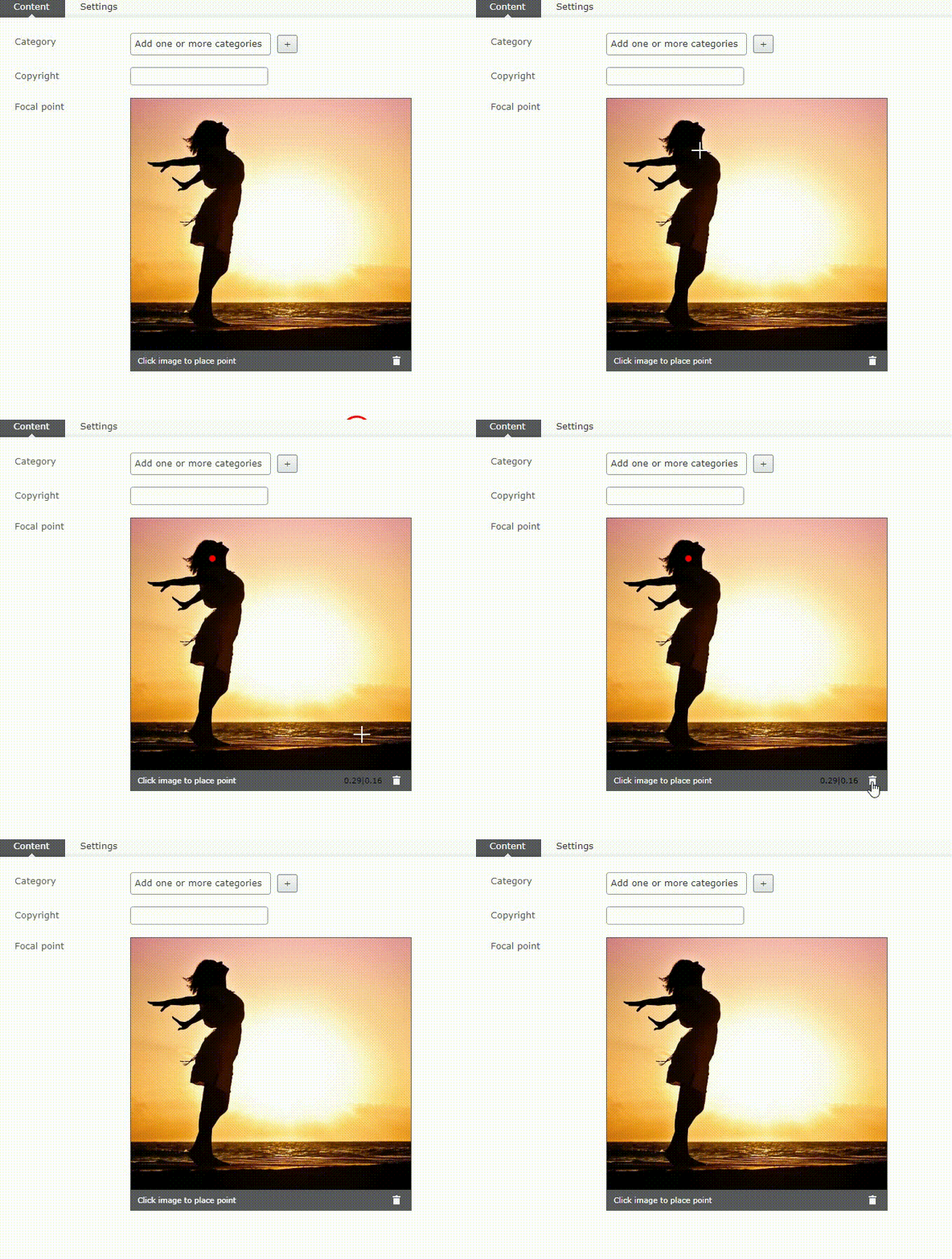
The x and y values of the point is saved as a string, in the format <x value>|<y value>. The x and y values range from 0-1.
Ex:
0|0 = left top corner
1|1 = right bottom corner
0.5|0.5 = center of image
0.5|0 = center top
Add ImagePointEditor nuget from the Optimizely Nuget Feed.
For CMS v12/v13 you need to add the following code to ConfigureServices in your Startup.cs file.
public void ConfigureServices(IServiceCollection services)
{
    services.AddImagePointEditor();
    ...
}- New version for Optimizely CMS 13
- Targets .NET 10
- Minor styling improvements
Thanks Jacob!
- Targeting .Net6 + .Net7. Dropping support for .Net5.
- More robust way to copy the module.
- Targeting both .Net5 & .Net6.
Thanks David!
- Optimize nuget size (Thanks @zunkas!).
- More fail-safe icon references.
- Fix issue with how nuget was created.
- New version for Optimizely CMS 12
- Fixed edge-case "path issue" (issue #5).
- Initial version.